September 27, 2026

min read
"It seems incredibly intuitive and like magic." - ACE Academy Member
The timeline is one of the great pieces of software design. It is precise and it is tactile. But the timeline describes a sequence, not a story. It tells you that something lives at 01:01:12:02 and runs for forty seconds. It does not tell you what is in it, why it matters, or where it belongs in the story you are trying to create. The timeline has never had an answer for those problems.
So editors built their own answers. Every workflow you have ever inherited, every bin naming convention, every color coded string-out, is a workaround for the same missing piece. We grew up on the timeline too. Quickture has always been about getting editors to the good moments faster. With Quickture 2, we went further back in the process and asked what it would look like if the story work had a home of its own.
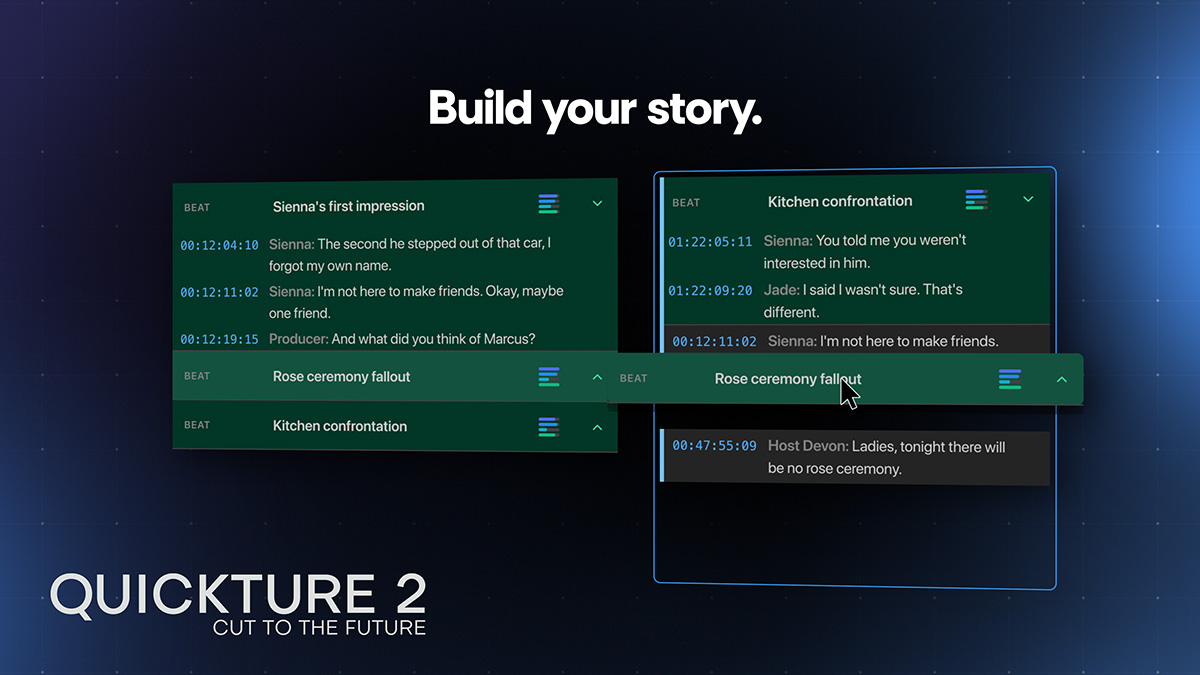
Editing systems could never help with story because they didn't understand your footage. But Quickture does. We combine best-in-class transcription with deep visual understanding to break your material into story beats, highlight the most relevant parts, and let you access them with ease, through our Story Window or via chat.
"You will just save editors so much time, and they'll all love you for it." - Award winning TV Editor
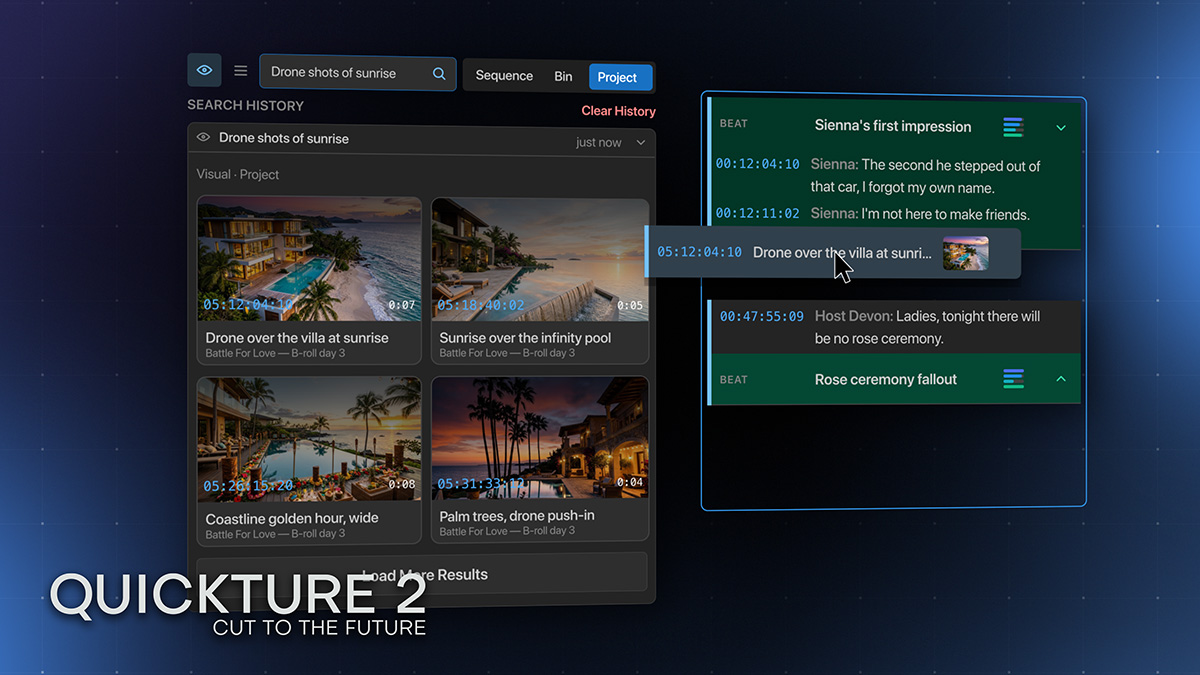
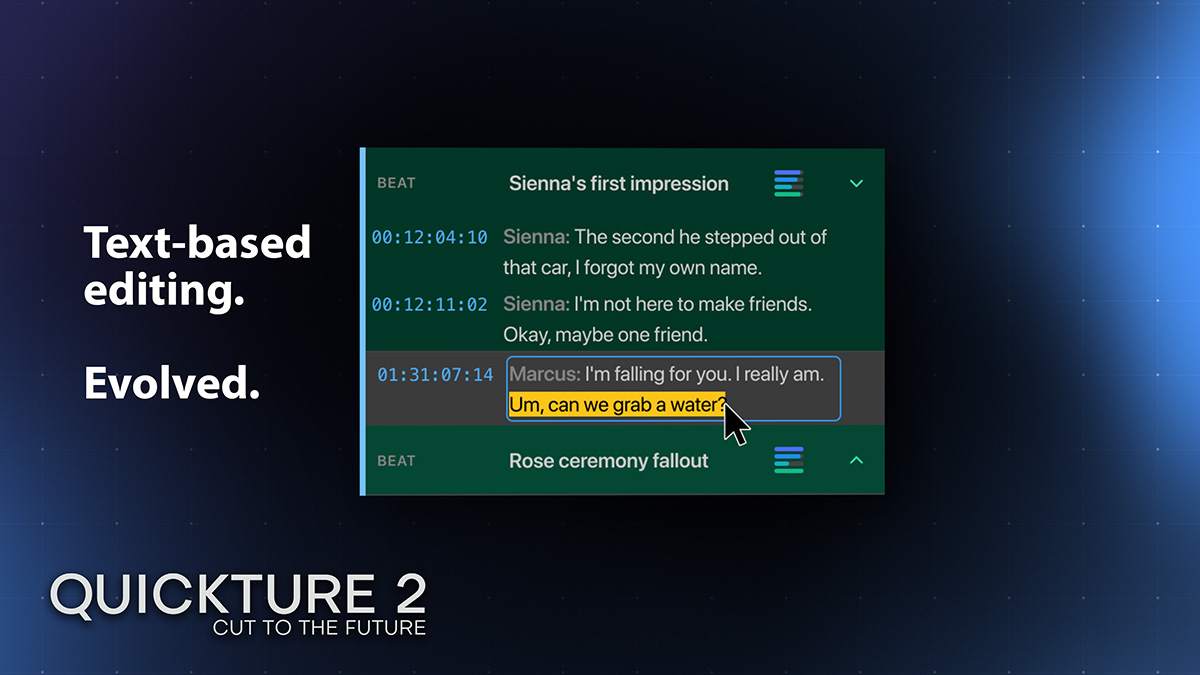
A revolution in story-telling lands right in Avid Media Composer or Premiere Pro with Quickture 2. The Story Window is a simple drag-and-drop interface designed for building story. Drag in lines or entire beats, drop visuals where they belong, add graphics, trim text, rearrange, reimagine! Build your story as fast as you can dream it.
Quickture is different from Claude or ChatGPT— it has the context to understand everything in your project, from the contents of your bins, to the shots in every edit. Ask it to organize media, build an act from scene work, interviews, archival, and more, or assemble selects based on the scripty notes. It can even generate documents and fill out forms.
"We just believe that you guys are doing it better than anyone." - Post Production and Innovation Executive
Quickture make the best editors better, by helping you get to the edit you imagine faster. Find the perfect shots, try out different cuts, and build and refine your story with the world's only story focused interface. Quickture 2 is built for that. The intuitive interface, the story first workspace, the chat on call when you want it and quiet when you do not. You make the choices. The software handles the rest. It is a brand new way to tell your story.